Residents
Approve visitors, pay maintenance by UPI, raise complaints, book amenities and vote, from one app.

Society management app for India’s housing societies
Ekvasa is a society management app and office software that brings the gate, maintenance bills, the society’s accounts, complaints, notices and chats together for residents, guards and the committee. It is a society app whose gate works without internet, that never sells resident data, with every app screen in English, ગુજરાતી and हिन्दी.
Launch offer: 90 days free for the first 50 societies
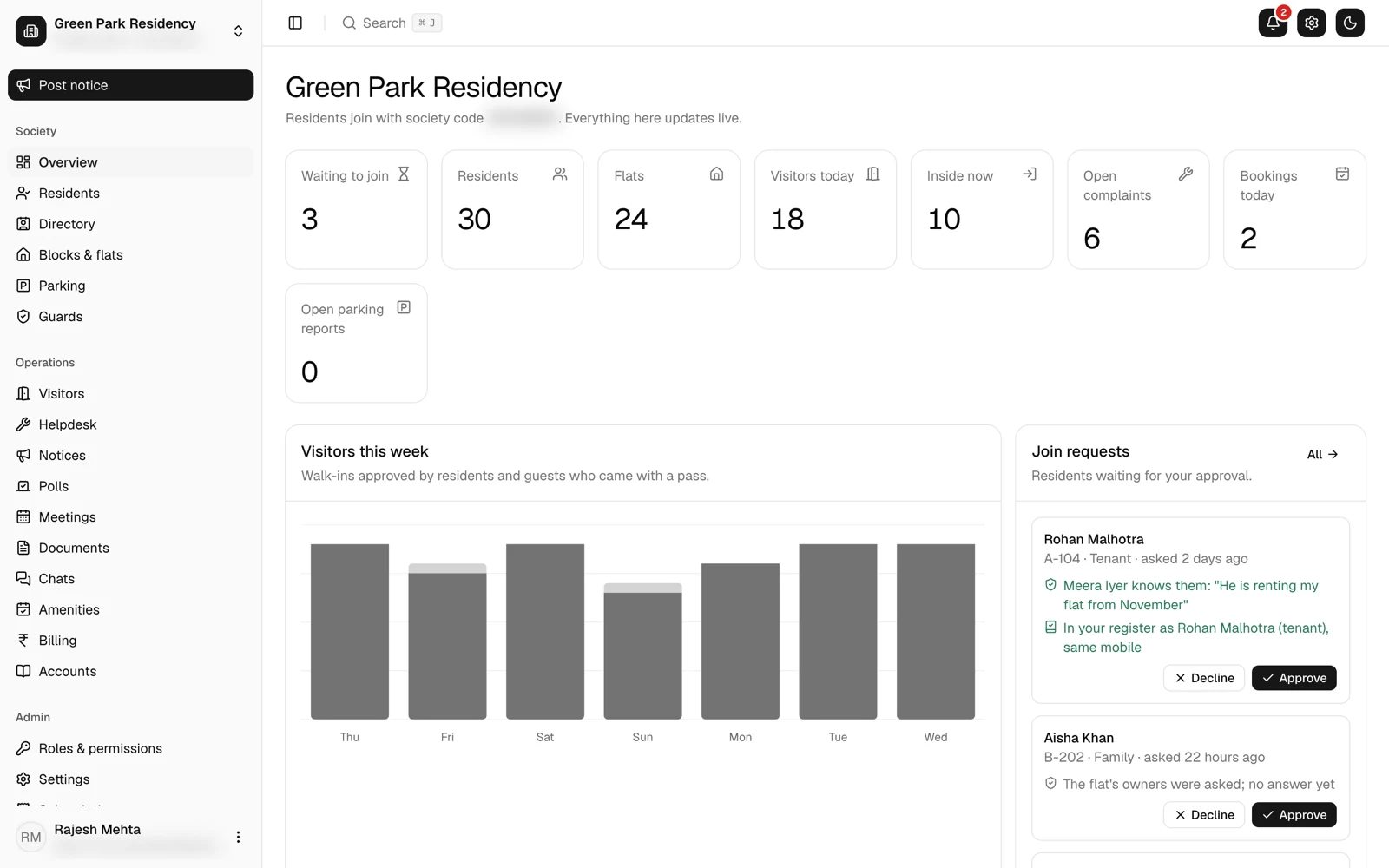
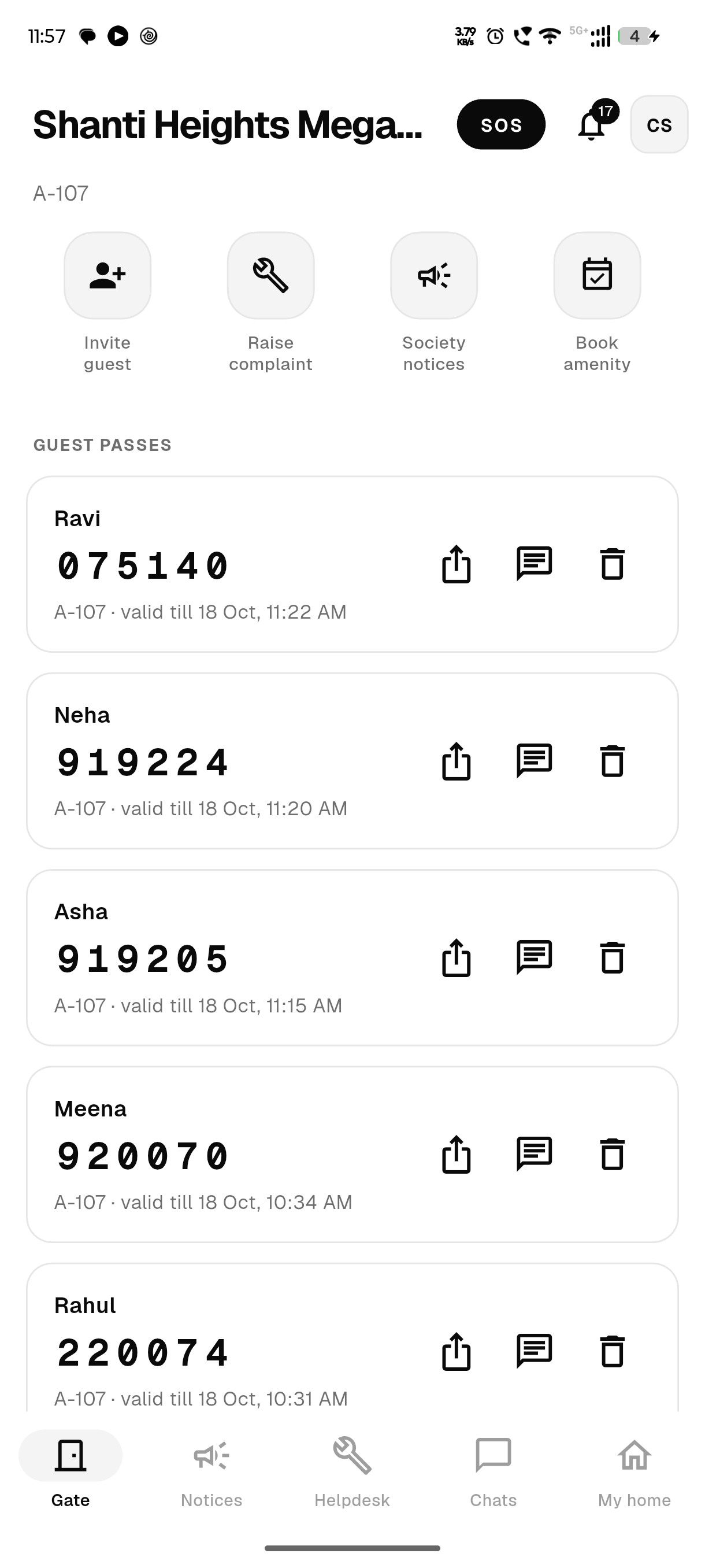
One app for residents and guards, and a web console for the office, all working from the same records. Made for housing societies, apartments, gated communities and RWAs across India.
Approve visitors, pay maintenance by UPI, raise complaints, book amenities and vote, from one app.
Simple screens for visitors, codes, daily staff, parcels and vehicles, that keep working without internet.
Billing, accounts, notices, helpdesk, amenities, parking, meetings and roles, in a web console and in the app.
Gate
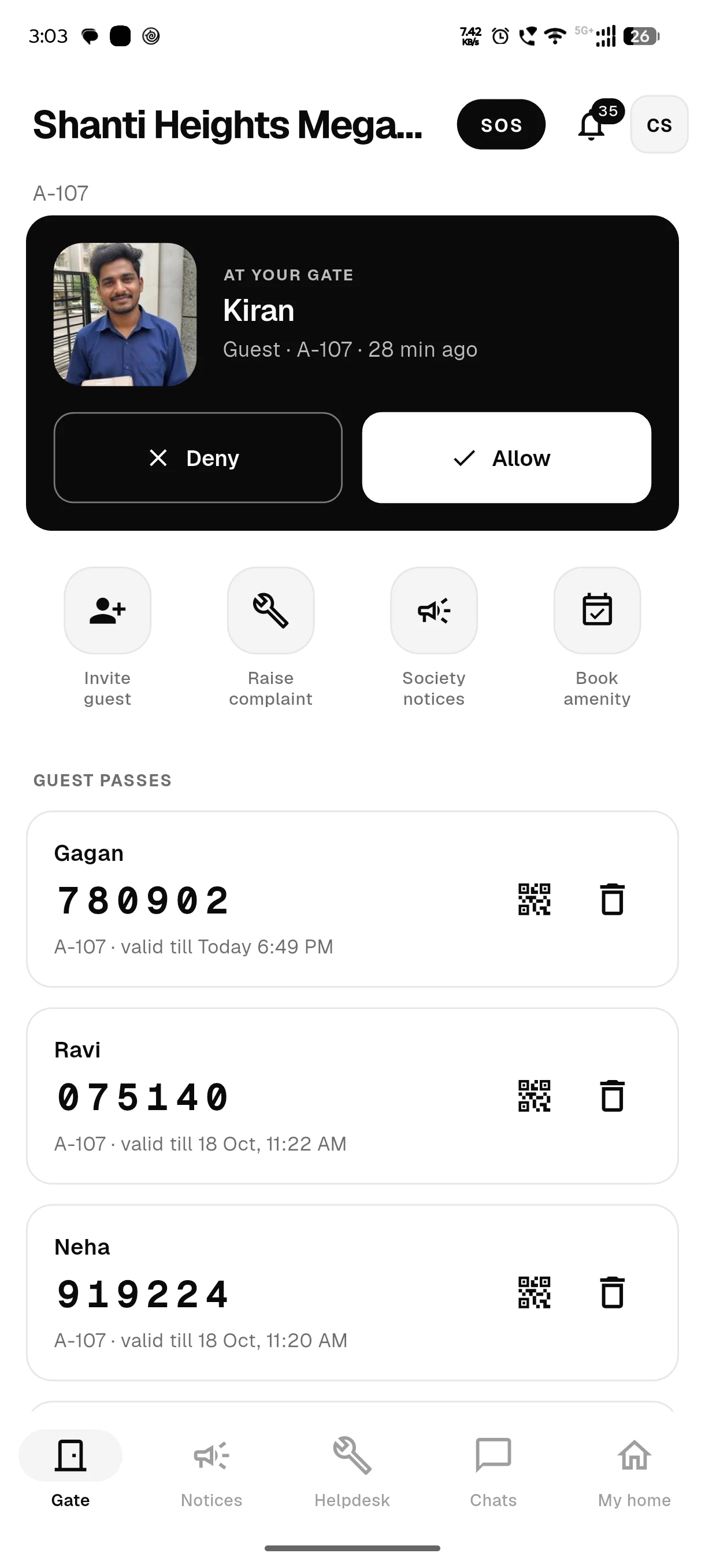
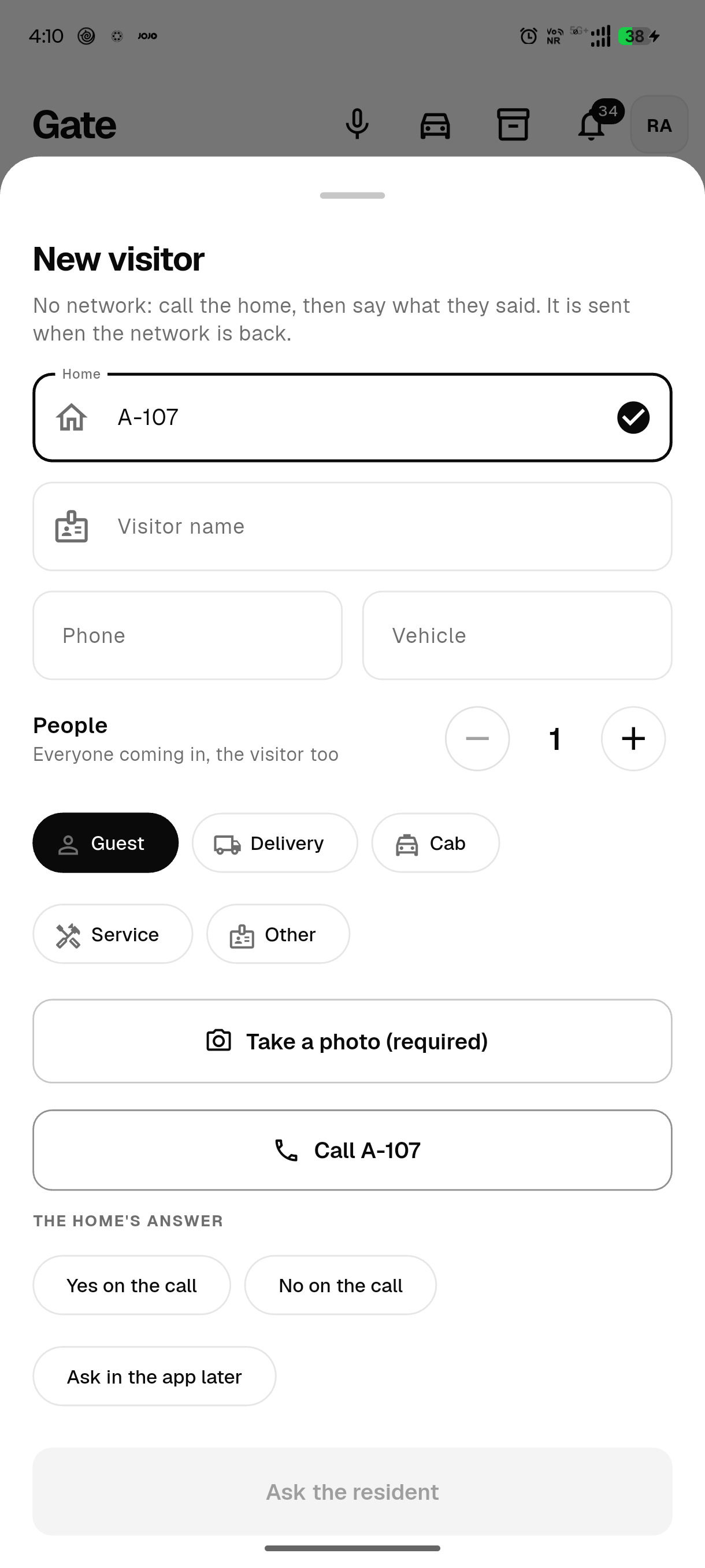
With Ekvasa, the guard takes the visitor’s photo and the home taps Allow or Deny in the app. Guests with a code, regular visitors and daily staff go in without a new request. Every entry stays in the society’s gate log, even when the internet is down.
Maintenance billing
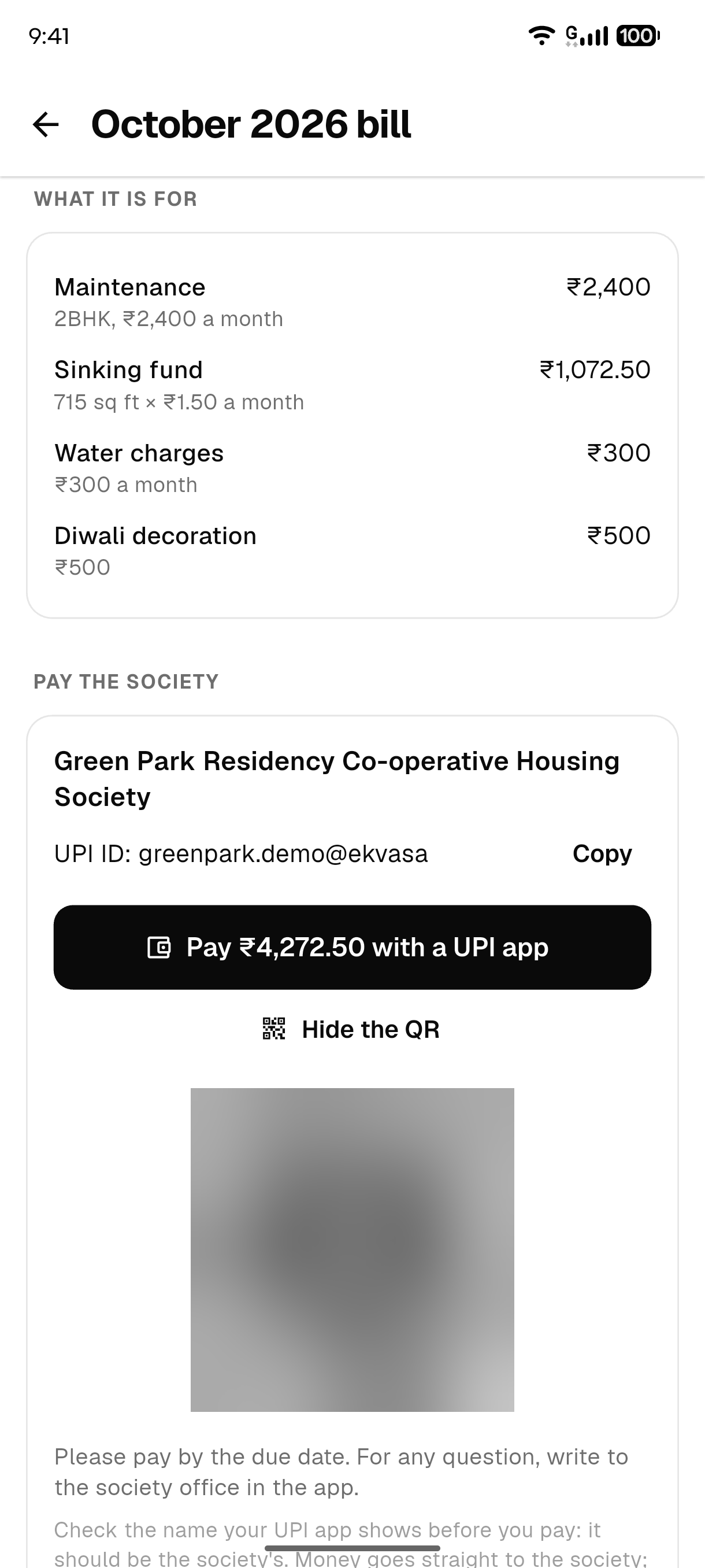
Each bill carries a UPI link and QR for the society’s own account. Residents pay with any UPI app, and the money goes straight to the society; Ekvasa never holds it. The office confirms each payment with a receipt, and reminders go out before and after the due date.
Accounts
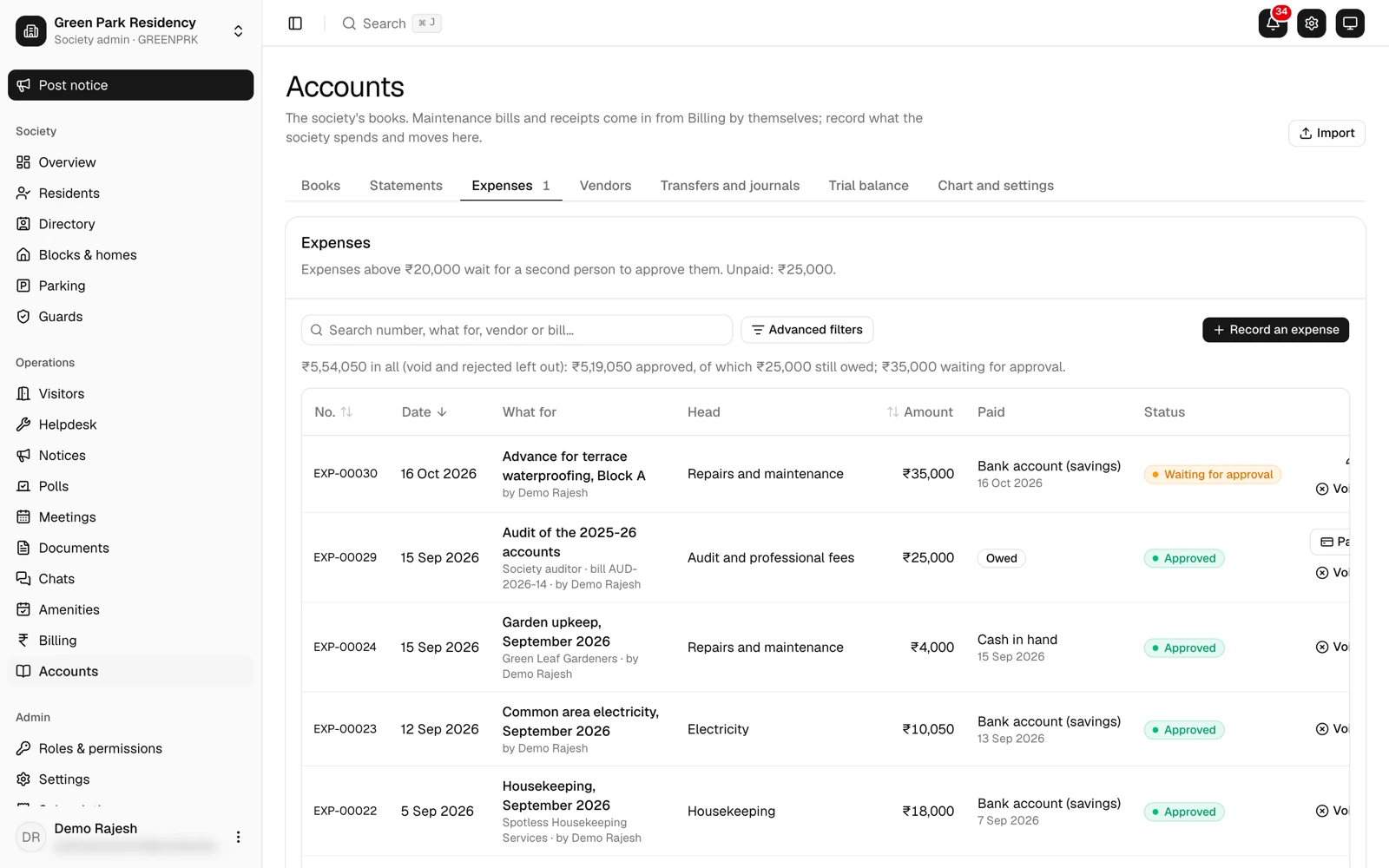
Yes. Ekvasa keeps double-entry accounts that post themselves from billing. It prints income and expenditure, receipts and payments and the balance sheet for the AGM and the auditor, with a file Tally can import.
Helpdesk
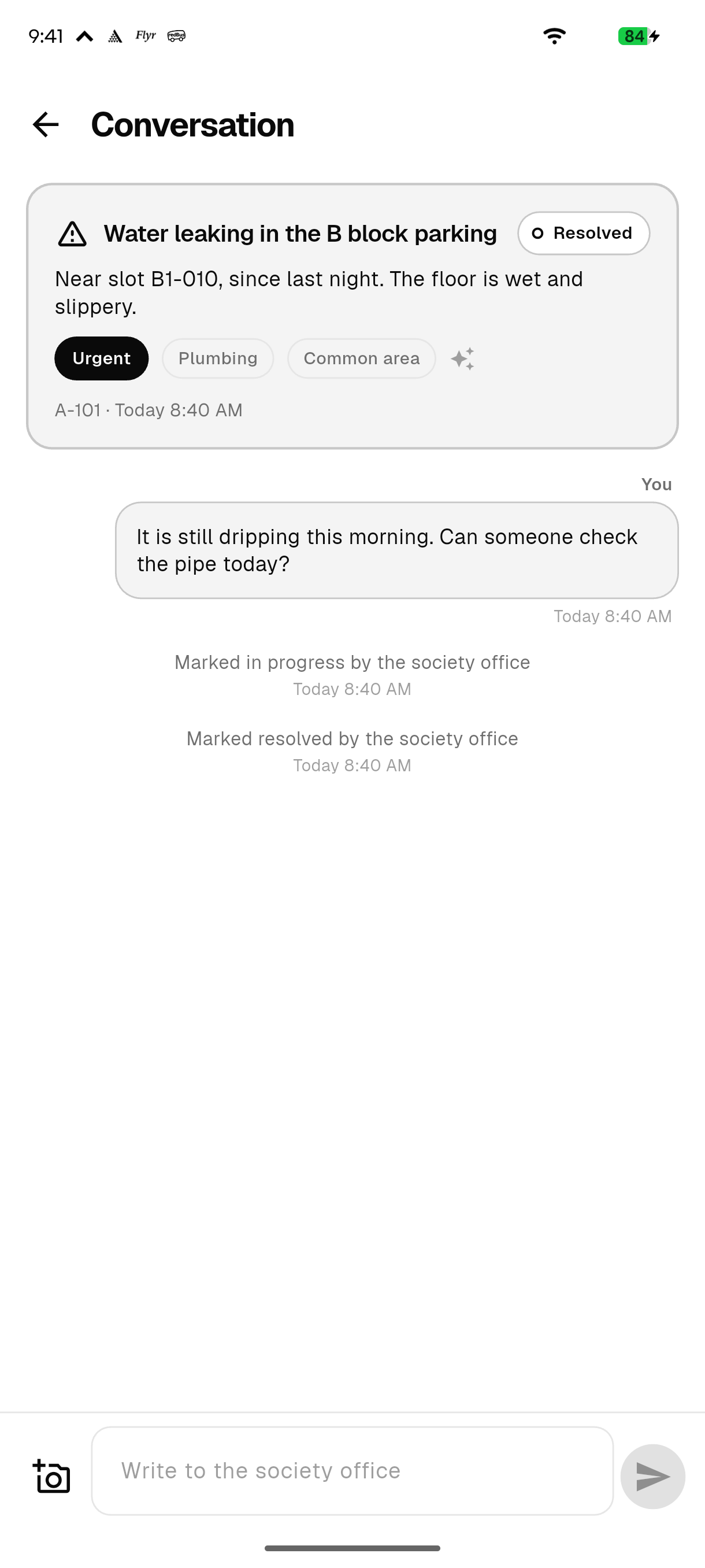
Residents raise a complaint with a photo. Ekvasa sorts it by team and urgency, and the office answers in the same conversation, so the resident can always see where it stands.
No. Ekvasa is paid for by the society, so residents are never the product. Who visits a home, its staff, its vehicles and its contact details are never sold or shared with delivery apps, brokers or advertisers. Chats are sealed, gate photos are deleted after 30 days, and the database is in India.
Nothing from outside businesses appears unless your society’s committee switches it on. Never in notifications, never in chats, never dressed up as a society notice.
The society’s database is in Mumbai, on encrypted disks. Outside services are named in the privacy policy.
The words are stored encrypted, and the society office does not read private chats unless one is reported.
A photo and a code are enough.
The society chooses its language and everyone can choose their own; screens, notifications and bill PDFs follow.
English
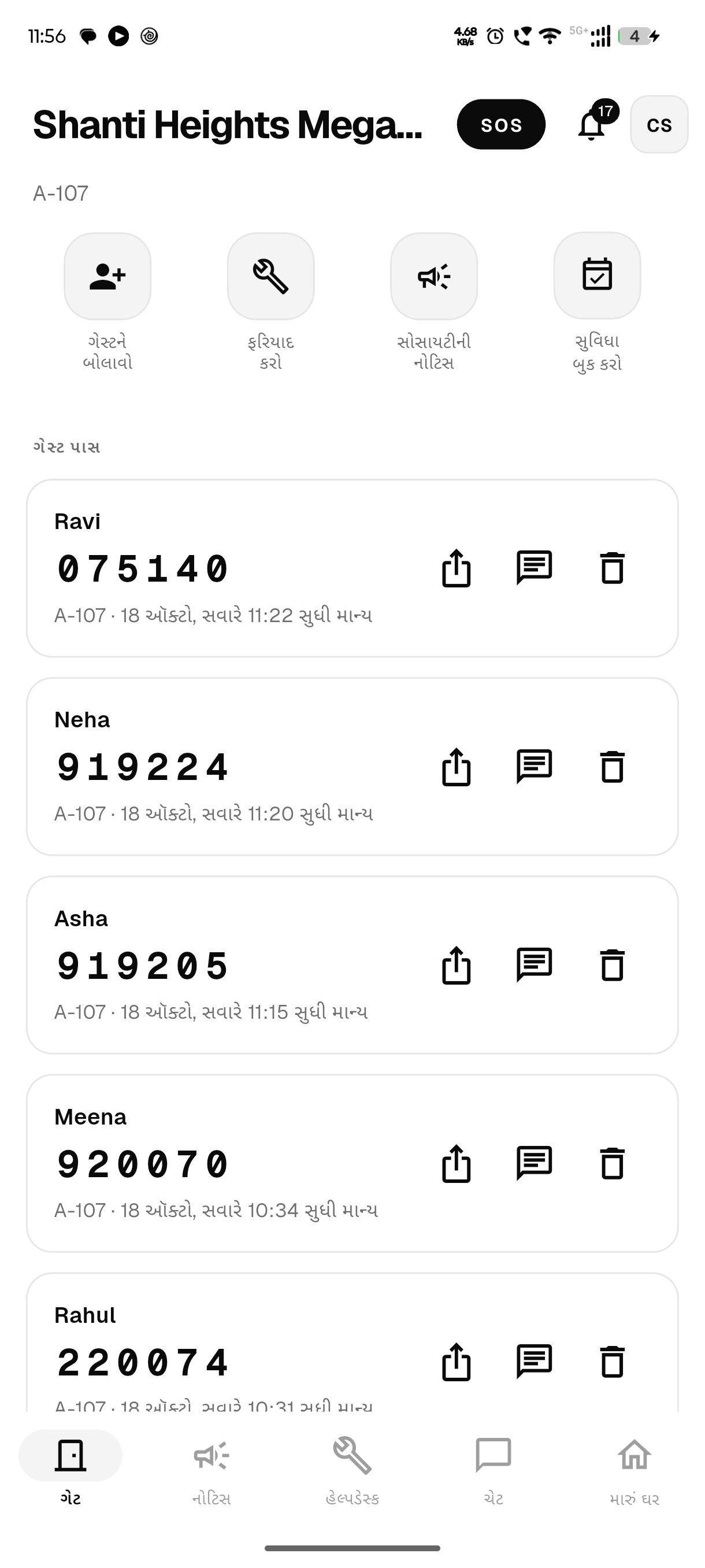
ગુજરાતી
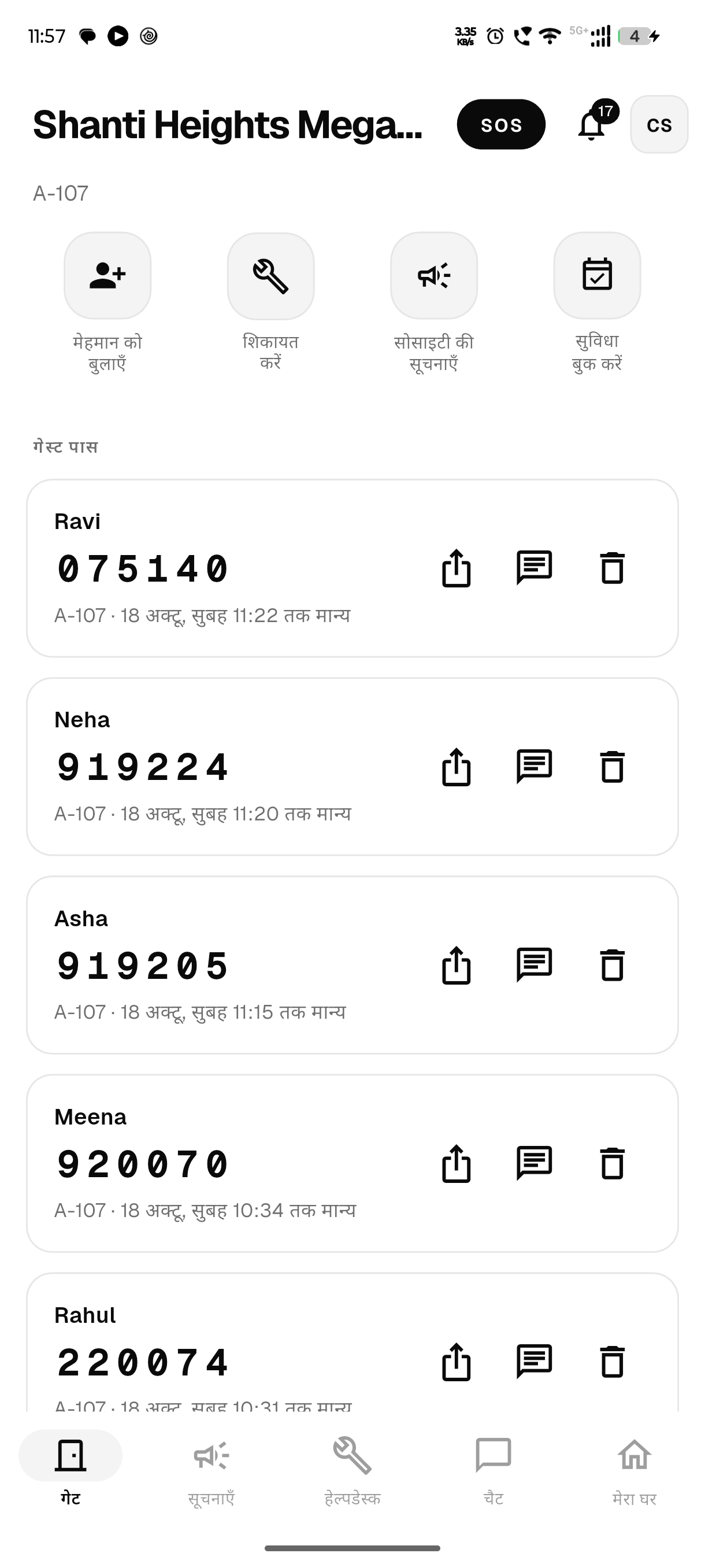
हिन्दी
The gate keeps letting people in and records every entry with its true time. Residents and the office read what their phone saved, and send what they did when the network is back.
Every society is set up by the Ekvasa team, with its committee.
Send the short request form.
At a time that suits you.
The app in your language, and the office console.
Your registers, imported and checked.
Residents, guards and the office begin.
Ekvasa keeps growing. New features are listed here when they go live.
Ekvasa is on the App Store for iPhone and on Google Play for Android.
Each visit has a timeline of who logged, approved and called, so it is clear who let a visitor in.
Members can call each other through the app without showing their numbers.
Every society is different, so we agree the plan with each committee one to one and put it in writing. Request onboarding and we will talk it through.
Yes. Every society gets a 30-day free trial. The first 50 societies to join get a 90-day free trial instead. Ask for it in your onboarding request.
No. We set up every society ourselves with its committee, so the right people become its admins. Send a request and we will call you.
All of them. Ekvasa is made for housing societies, apartment complexes, gated communities and resident welfare associations across India, small or large. Full answer: Is Ekvasa for apartments, gated societies or RWAs?
Yes. Ask your current provider for an export of your records, and the Ekvasa team brings them in during setup, with a preview before anything is saved. If the committee wants, the old app can stay on for a short overlap.
Comparing first? See MyGate alternative for what to compare. For the move itself, see switching from another app, or request onboarding and the team will plan the move with your committee.
Yes. Ekvasa runs on Android phones (Android 7.0 or newer) and on iPhone (iOS 15 or newer), and the same account works on both. Full answer: Does Ekvasa work on Android and iPhone?
The society. Residents pay into the society’s own account with any UPI app, or by cash, cheque or bank transfer recorded by the office. Full answer: Who holds the maintenance money?
The office can make a mobile-and-PIN login and print a sign-in sheet for every home, and anyone in the home with the app can answer the gate.
Bring Ekvasa to your society.
Tell us about your society. We call you, show Ekvasa to your committee and set it up with your own data.